Give your team one place to find and share useful agent skills. With LiteLLM Skills Gateway, teammates can reuse a skill's instructions and supporting files in their own AI agents.
Build an agent that answers questions from your documents, then checks each answer against the evidence before showing it in chat.
We will connect to a LiteLLM gateway, load a policy, generate and check an answer, then display the grounding result. The Python snippets form one async request handler. Start with one document; connect your retriever once you can inspect the complete flow.
We use a model named agent on the gateway. The openai/ prefix below selects the OpenAI-compatible transport; the gateway can route agent to a model from another provider.
For the grounding check, use Amazon Bedrock Guardrails through LiteLLM. AWS maintains the assessment service, and you can use it with answers from other model providers. Add this to your gateway configuration:
config.yaml / grounding
1guardrails:2-guardrail_name: answer-grounding3litellm_params:4guardrail: bedrock5mode: post_call6default_on:false7guardrailIdentifier: os.environ/BEDROCK_GUARDRAIL_ID8guardrailVersion: os.environ/BEDROCK_GUARDRAIL_VERSION9aws_region_name: os.environ/AWS_REGION_NAME10contextual_grounding_from_messages:true11outputScope: FULL
Create an AWS guardrail with contextual grounding enabled. For conversational answers, choose Standard tier and its required cross-Region inference profile. Set the AWS filter action to NONE so your application can receive an unsupported finding and decide what to display. Set outputScope: FULL in LiteLLM to receive supported assessments too. See AWS setup, filter actions, and full assessments.
default_on: false leaves this guardrail available for the explicit SDK call in step 3. You control when the check runs.
Start with a home office policy. Save this text as home-office.md:
home-office.md
1Employees receive a one-time home office equipment allowance of $500.2Submit receipts within 30 days of purchase.
Load the policy and keep it with the question:
agent.py / evidence
1from pathlib import Path23question ="How much can I spend on my home office?"4evidence = Path("home-office.md").read_text()56source_messages =[7{"role":"system","content": evidence},8{"role":"user","content": question},9]
Your agent and the grounding service must receive the same evidence. With contextual_grounding_from_messages: true, LiteLLM sends the system text to Bedrock as the grounding source and the user question as the query.
For your own documents, replace the file read with your retriever. Pass only documents the current user can access. Keep previous assistant answers out of the reference evidence.
1completion =await litellm.acompletion(2 model="openai/agent",3 messages=[4{"role":"system","content":"Answer using only this policy:\n"+ evidence},5{"role":"user","content": question},6],7)8answer = completion.choices[0].message.content
Then call the grounding guardrail with the answer and source messages:
"answer-grounding" selects the configured guardrail. response=answer tells the SDK to check generated output; the SDK infers the direction. You do not need to provide an input type or a response-format flag.
The call returns the guardrail's native structured findings, after LiteLLM's existing reporting sanitization. For Bedrock, the grounding assessment looks like this illustrative excerpt:
Bedrock compares the answer with the supplied evidence. It does not verify whether the source document itself is correct. Evaluate the check on supported, contradicted, and incomplete answers from your use case before using it to enforce policy.
Read the GROUNDING assessments. Require an assessment before showing a positive badge, and check the score against its configured threshold:
agent.py / verdict
1results = native_result ifisinstance(native_result,list)else[native_result]2checks_by_result =[3[check4for assessment in result.get("assessments",[])5for check in assessment.get("contextualGroundingPolicy",{}).get("filters",[])6if check["type"]=="GROUNDING"]7for result in results8]910is_grounded =None11if checks_by_result andall(checks_by_result):12 is_grounded =all(13 check["score"]>= check["threshold"]andnot check.get("detected",False)14for checks in checks_by_result15for check in checks16)
Check all returned chunks. Do not infer success from Bedrock's overall action: a report-only guardrail can return NONE with a negative grounding finding.
Return the answer and verdict from your chat backend. In your chat component, show the result beside the answer:
GroundingBadge.jsx
1exportfunctionGroundingBadge({grounded}){2if(grounded ==null){3return<span>Grounding check unavailable</span>;4}56return(7<spandata-status={grounded ?"supported":"unsupported"}>8{grounded ?"Supported by your documents":"Not supported"}9</span>10);11}
01 / SUPPORTEDGrounded
Show the source and the check's explanation.
is_grounded: true
02 / UNSUPPORTEDNot supported
Explain the gap or ask the agent to retry.
is_grounded: false
03 / CHECK FAILEDUnavailable
Keep this separate from a completed check.
no valid verdict
A timeout, missing assessment, or invalid result should produce Check unavailable, with no green badge. The template below includes typed response validation and those failure states.
Bedrock evaluates the supplied documents together. Label the references Documents checked; its response does not attribute an answer to an individual document. For an unsupported answer, you can show the gap, retrieve more evidence, or withhold the answer. Wait for the check before rendering if your product gates delivery on the result.
You have the core flow: evidence, answer, grounding call, and a verdict beside the response. Use the template to get the complete chat UI, a tool-calling document agent, and validated result handling in a separate repository.
Run the complete app
1git clone https://github.com/BerriAI/litellm-grounded-agent-starter.git2cd litellm-grounded-agent-starter3uv sync4uv run grounded-agent-demo
Open localhost:8502. Choose Home office allowance for a supported answer, or Check an unsupported answer to see a negative verdict. This local demo uses fixed model and judge responses, labelled in the UI, so you can exercise the SDK, gateway, and chat without provider credentials.
For a live deployment, follow the template's Bedrock setup, replace the included documents with your retriever, and connect your models. The launcher supports local development; deploy the gateway and chat app with your platform's normal service configuration. Add sign-in and document authorization before sharing the app with coworkers. Live AWS execution remains unverified in this example; the template tests its adapter with representative responses.
Give your agent and grounding guardrail the same evidence. Call litellm.guardrails.apply after the answer exists, read the provider's assessment, and keep supported, unsupported, and failed checks distinct in your UI.
Yes. Keep your framework and evaluation logic. Replace the answer-generation snippet with your agent's final answer, call litellm.guardrails.apply, and read your guardrail's result schema.
Does LiteLLM generate a second answer for the check?
The SDK invokes your configured guardrail. Bedrock evaluates the supplied answer. A custom LLM judge makes an evaluation request; it does not regenerate the agent's answer to obtain the verdict.
The SDK changes and template are open source. Use the linked implementation revision for both the SDK and AI Gateway until release. LiteLLM Enterprise adds controls and support for production deployments.
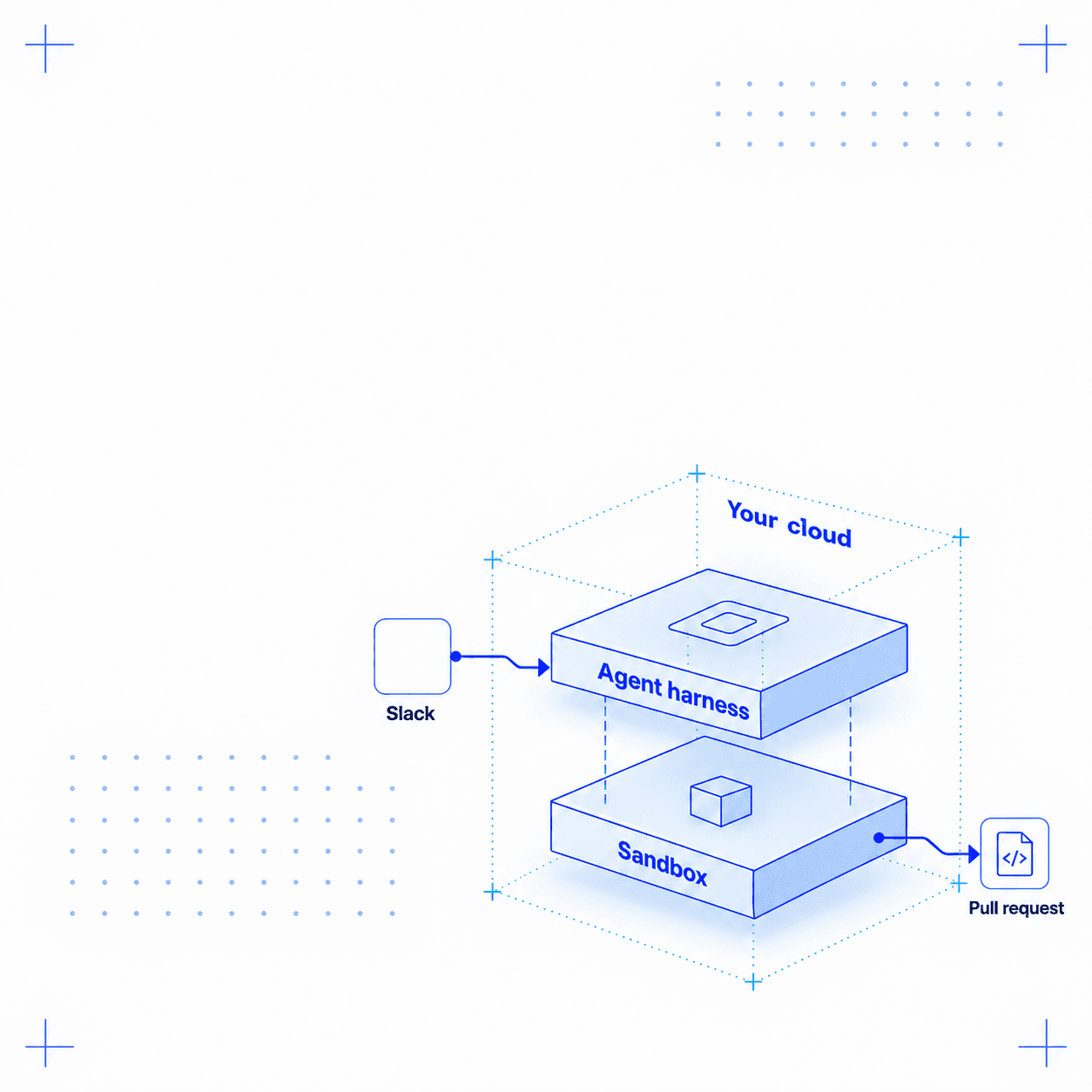
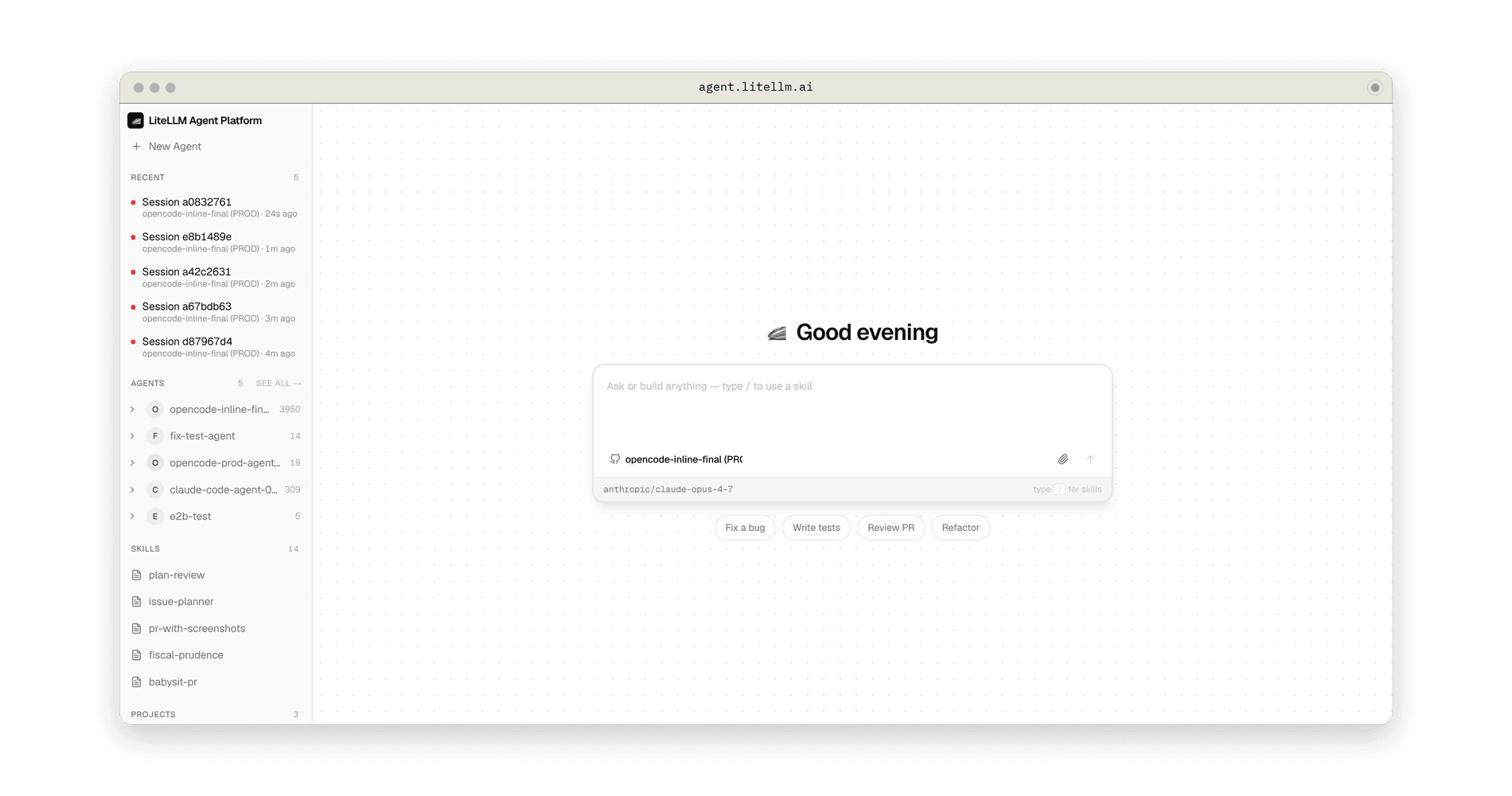
Today we're open sourcing Moyai, the cloud coding agent our team runs at LiteLLM. Give it a task in Slack or the browser, then come back to a pull request with code and test results to review. You choose the agent and compatible model, run it on your infrastructure, and track the cost through LiteLLM.
At BerriAI, we built Moyai Devin, an internal engineering agent that runs in the cloud. Teammates can give it a task in Slack, follow its progress in a web app, and ask it to prepare a pull request.
You've built an agent with your own tools, prompts, and model configuration. Now you want to try a different harness on the same task.
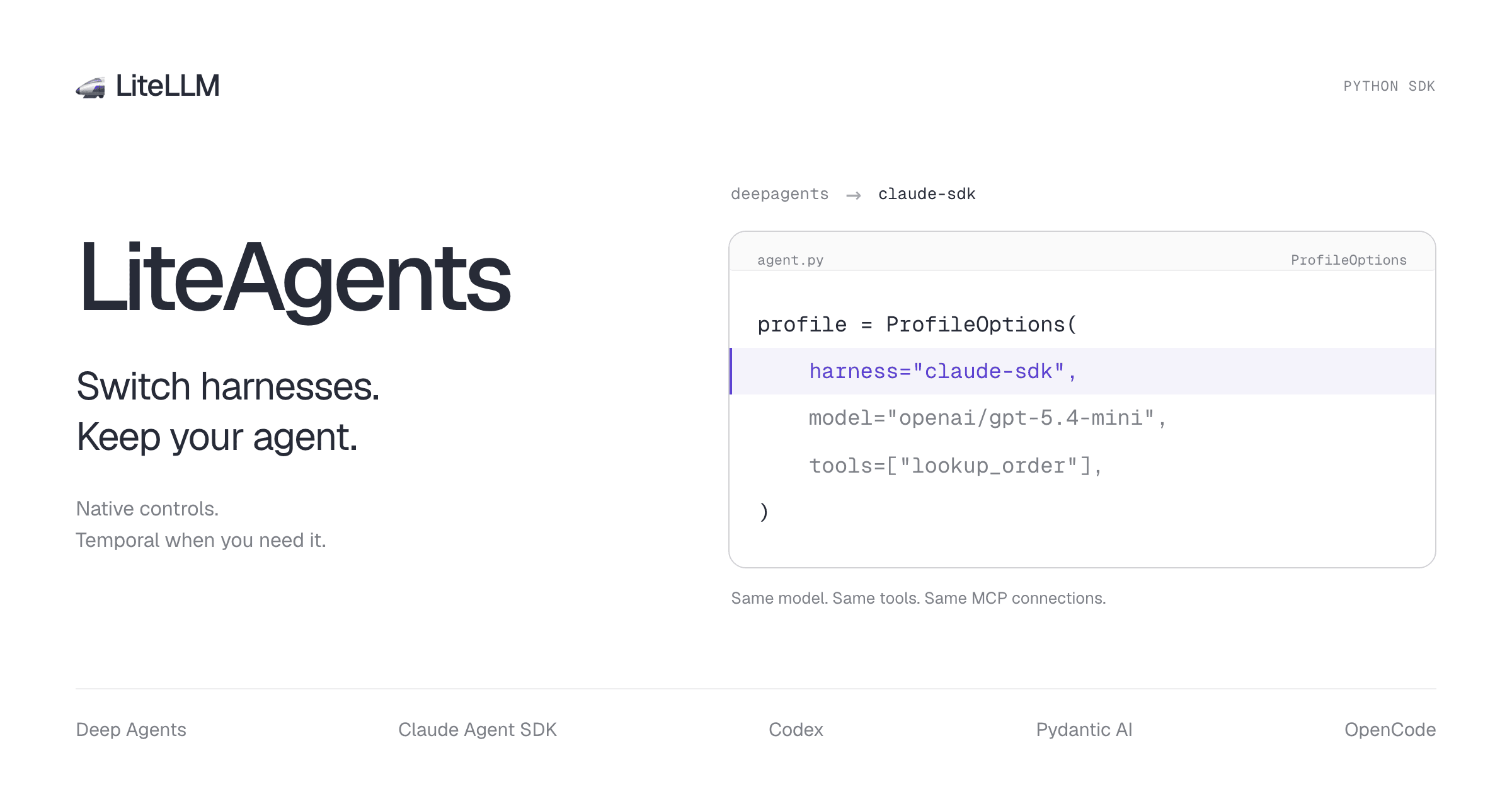
LiteAgents lets you switch agent harnesses without rewriting your application. Its interface is modeled after the Claude Agent SDK, including the query() pattern and typed messages. Choose Deep Agents, Pydantic AI, Claude Agent SDK, Codex, or OpenCode while keeping your tools, MCP connections, model configuration, and client code. Each selected harness runs its own agent loop.
LiteLLM gives you a common interface to models. LiteAgents brings that approach to agent harnesses, with native controls and optional durability through Temporal.
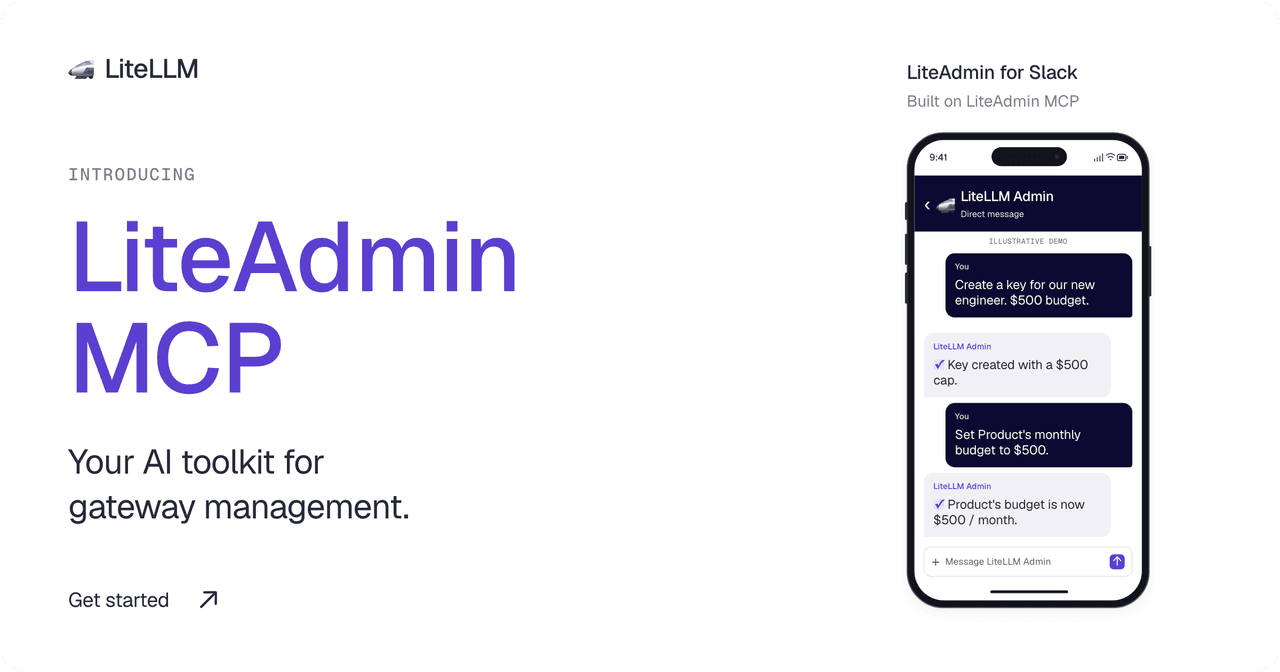
An engineer asks for an API key for a new project. You need to choose its models, set a budget, and assign it to a team. As usage grows, you need to check spending and adjust those limits.
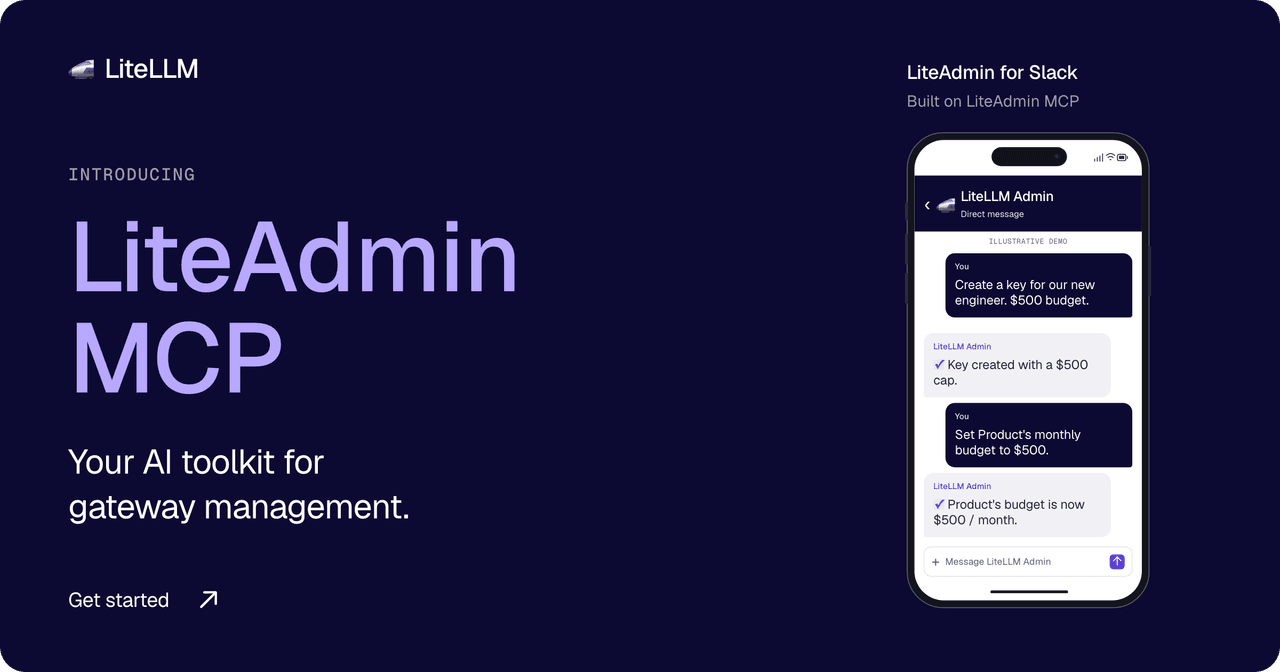
LiteAdmin MCP lets your agent handle these tasks through your gateway's management API. Connect it to an MCP client or a custom agent. We built LiteAdmin, our Slack admin agent, on the same connector.
A bot looks up the weather, then checks a shop's opening hours. The user asks, "What time does the shop close?" The bot still sends the old weather report to the model, even though it no longer helps answer the question.
TypeSafe Jev helps LiteLLM spot tool results that are no longer needed. LiteLLM replaces those results with a short notice before calling the model. This is called compaction, and it can reduce the input tokens used by long conversations.
Shared agents can preserve individual identity, access, and spend controls.
When a finance agent serves multiple business units, platform teams need a consistent way to identify who initiated each request, apply the right model and tool permissions, and attribute spend. LiteLLM keeps this context available across shared-agent workflows so each business unit can operate under its own access and budget policies.
LiteLLM provides one control plane for this workflow across the Agent Gateway, Model Gateway, and MCP Gateway. Teams can share the same agent infrastructure while keeping access, credentials, spend, and audit data tied to the right caller.
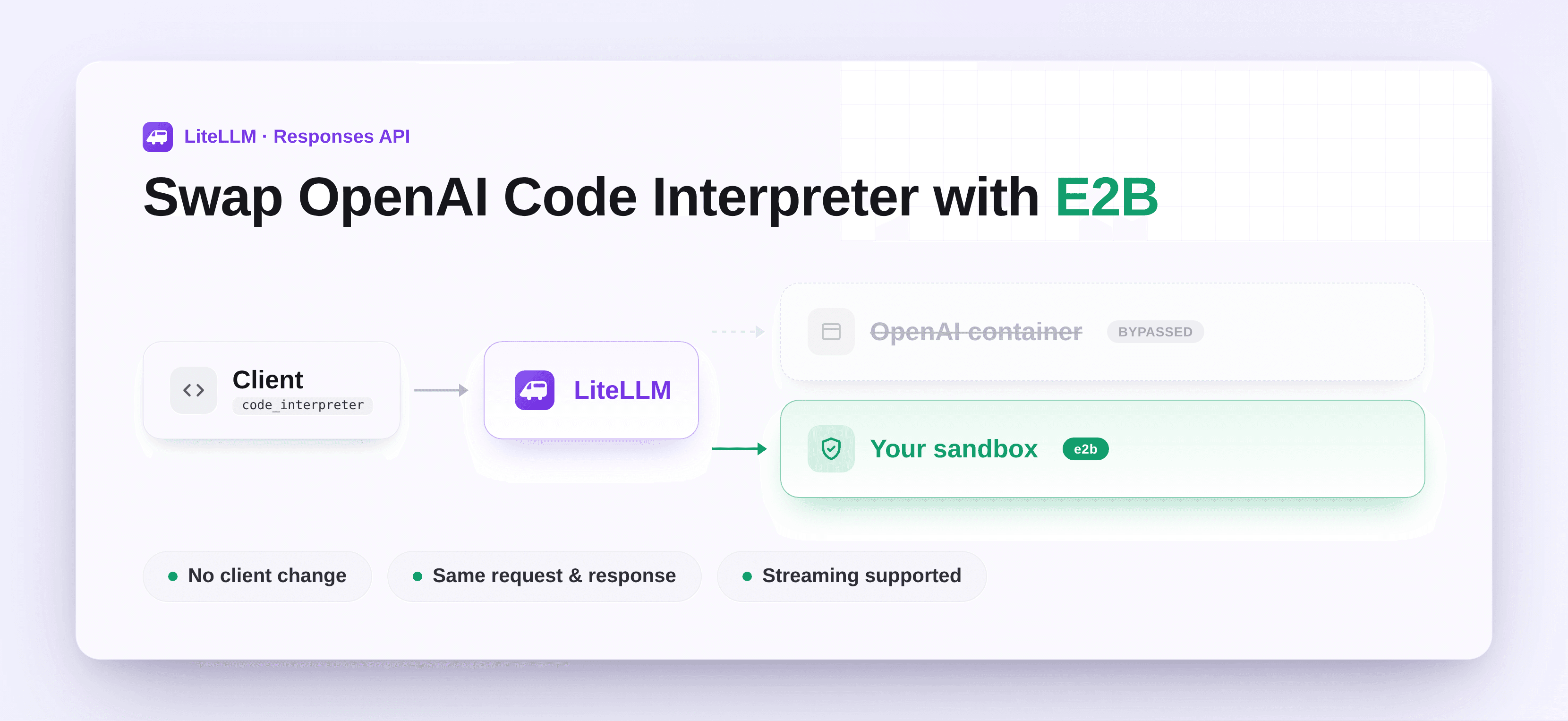
The OpenAI Responses and Chat Completions APIs let you declare a code_interpreter tool and the model runs Python inside an OpenAI-hosted container. That container is opaque, billed by OpenAI, and the code (often customer data) leaves your perimeter. LiteLLM now let's you intercept that tool call and runs it in a sandbox you control. The client request is unchanged.
Available starting LiteLLM v1.91.0.dev1. Check here for releases.
Agent infrastructure is already separating into three layers: models, harnesses, and runtimes. We believe a fourth layer will emerge: the unified agent control plane. This will allow calling agents living in different agent runtimes, all from 1 place.
Harnesses are the next frontier of vendor lock-in. LiteLLM was built to swap across model providers easily. However, as the models get saturated, the next area for competition becomes the harnesses and managed agents. To make it easy to go across vendors at the harness layer, we're launching the Lite-Harness SDK. This is a simple TypeScript+Python SDK which allows developers to change harnesses, like they change models.
Thank you to everyone who joined our May town hall.
We covered security hardening, release versioning changes, new product launches (MCP toolsets, on-behalf-of OAuth), performance wins, and our biggest bet yet, the LiteLLM Agent Platform.



 WORKPLACE ASSISTANT